Overview
At a glance
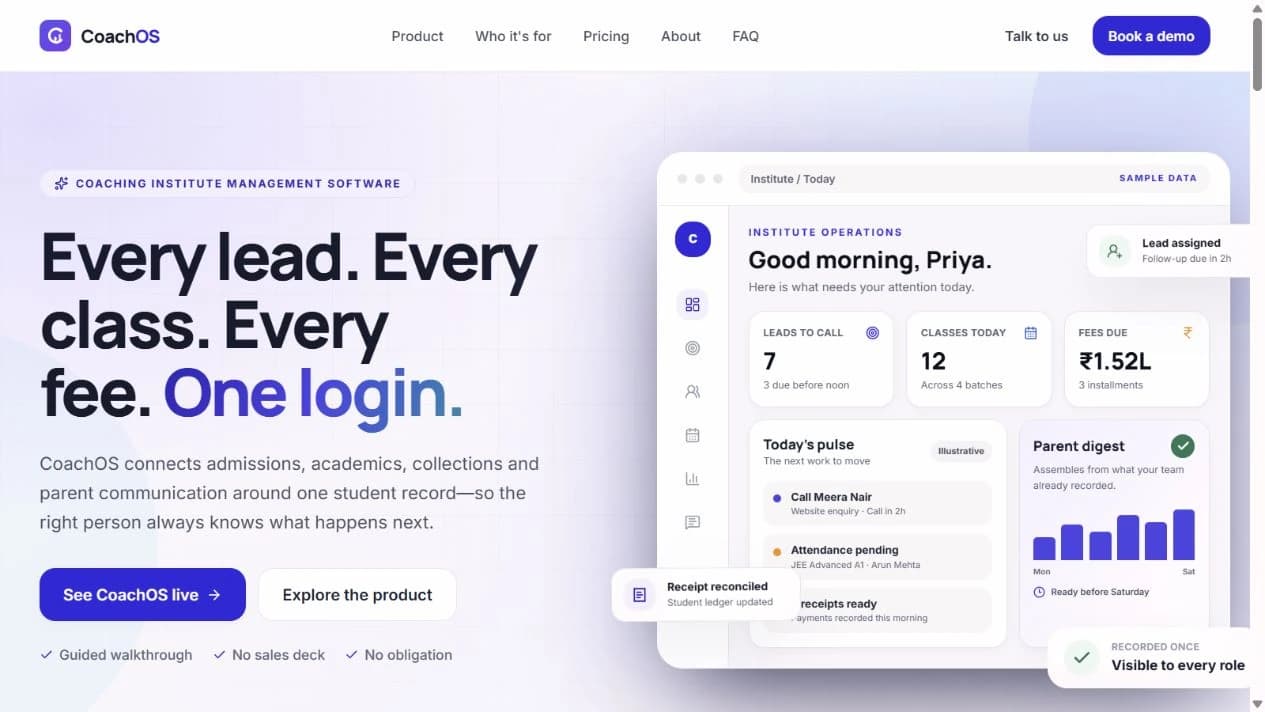
CoachOS is management software for coaching institutes in India. It connects admissions, classes, fee collection, and parent communication around one student record, so the right person always knows what happens next.
Screenshots
The live product
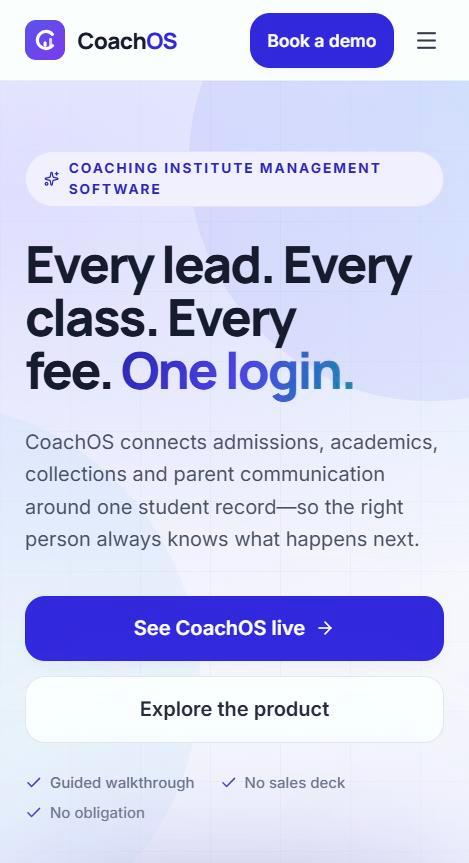
Captured from the live site on desktop and mobile. The capture date is under each image.
Problem
The challenge
The public CoachOS site describes the product's workflows, modules, integrations, pricing, and onboarding. This study describes what that site shows; it does not include customer data or private metrics.
Institute teams already do the work, but enquiries, instalments, and parent questions get lost between sheets, registers, and chat groups. Every handoff is a chance for a follow-up or a due date to slip.
Solution
How the product solves it
Four connected workflows (admissions, classes, fees, and parent communication) share one record, so information moves without re-entry. Tests, study material, the institute's public website, and the audit trail are part of the same system.
- Admissions CRM
- Follow-up timers and assignment rules
- Batches, timetable, and attendance
- Assignments and study material
- Tests with section-wise analysis
- Fee plans, instalments, and ledger
- GST-format receipts
- Weekly parent digest
- Institute website with enquiry capture
- Audit trail
- English and Hindi
Proof
What you can verify
- A public product site covering admissions, classes, fees, parent communication, tests, study material, and an institute website module.
- Public pricing, security, and FAQ pages, plus a demo booking flow.
System view
Workflow and public architecture
These diagrams reflect the routes and interactions verified on the public product. They do not infer private infrastructure.
From enquiry to admission
- 1An enquiry arrives from the institute's website form, a walk-in, or a referral.
- 2The lead gets a stage, an owner, and a follow-up timer.
- 3The counsellor follows up until the learner is admitted.
- 4The lead becomes a student with a batch and a fee plan.
Verified public architecture
- Institute website and enquiry forms
- Admissions CRM
- One student record
- Classes, tests, and fees
- Role-based portals
- WhatsApp, payment, email, and SMS providers
Technical detail
How it is built
Users and roles
The public site describes six role-specific portals on one login. Owners, counsellors, faculty, and parents each see the work that belongs to them.
- Owner
- Sees the actions, collections, and overall state of the institute.
- Counsellor
- Works the admissions pipeline with stages, assignment rules, and follow-up timers.
- Faculty
- Records classes, attendance, study material, and tests against a batch.
- Parent
- Gets a weekly digest with attendance, the latest result, fees due, and notices.
Main user journeys
The public site follows one learner record end to end: enquiry, follow-up, admission, the weekly class routine, and updates for parents and owners.
From enquiry to admission
- An enquiry arrives from the institute's website form, a walk-in, or a referral.
- The lead gets a stage, an owner, and a follow-up timer.
- The counsellor follows up until the learner is admitted.
- The lead becomes a student with a batch and a fee plan.
Run the week and keep parents informed
- Faculty record classes, attendance, material, and tests against the batch.
- Fees, instalments, reminders, and receipts stay reconciled in the student ledger.
- A weekly digest assembles attendance, the latest result, fees due, and notices.
- Owners see actions and collections; parents see the week.
Architecture
As described on the public site: the institute website captures enquiries into the admissions CRM; admitted learners move into batches, tests, and fee plans on the same record; role-based portals and provider integrations (WhatsApp through Gupshup, payments through Razorpay, and email or SMS) deliver the updates. Private infrastructure details are not asserted.
Technology stack
- Integrations described on the public site
- WhatsApp through Gupshup, Payments through Razorpay, Email and SMS providers
- Product structure
- Six role-specific portals, Per-institute data separation, Data export
Implementation details
- Frontend
- Role-based web portals
- Responsive institute website
- Authorization
- Six role-specific portals
- Per-institute data separation
- Integrations
- WhatsApp messages through Gupshup with approved templates
- Payment collection through the institute's Razorpay account
- Email and SMS through a chosen provider
- Deployment
- Public product site at coachoshq.com
Key technical decisions
- Keep one student record across admissions, classes, fees, and parent updates.
- Put the next action in front of its owner instead of adding another dashboard.
- Send messages and collect payments through the institute's own provider accounts.
- Build in Indian details: GST-format receipts, Indian number formats, and Hindi.
Security and reliability
- Each institute's data is kept separate across all six portals.
- Every change in the admissions pipeline leaves an audit entry.
- Institute data can be exported.
Lessons learned
- Most lost follow-ups happen in the handoffs between people, not inside a single task.
- Parents want four clear answers (attendance, results, fees, and notices), not another app to check.
- Local details such as GST-format receipts and Hindi matter as much as the core features.